Alt-Tag Studio is the ultimate privacy-first,
AI-powered desktop companion for web developers, designers, and accessibility advocates. Say
goodbye to the tedious, time-consuming task of manually writing image alt-texts, and hello to a
seamless, automated workflow that brings your HTML projects up to perfect WCAG compliance.
Key Features:
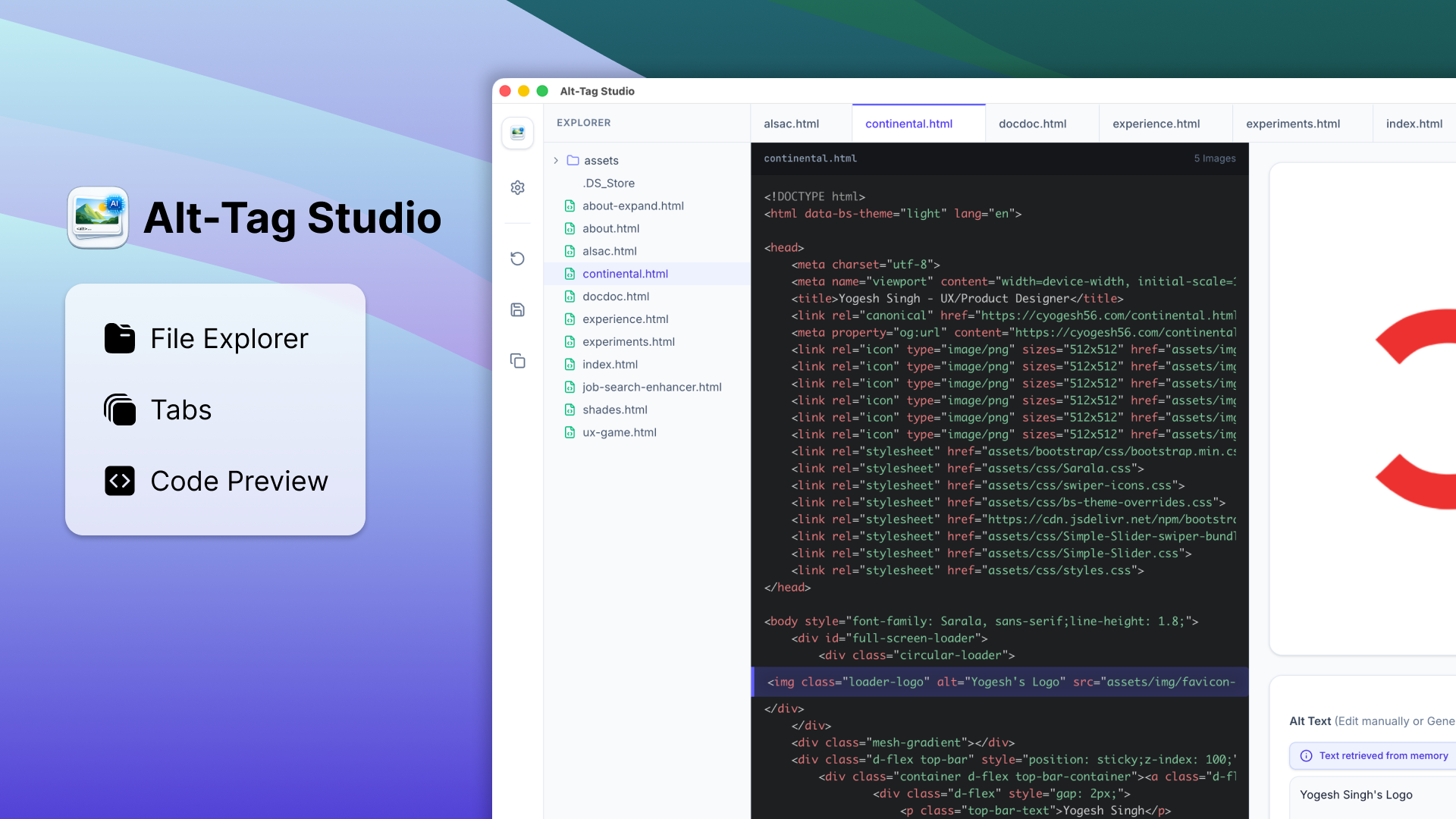
💻 Project-Wide Management:
- Open your entire website folder at once.
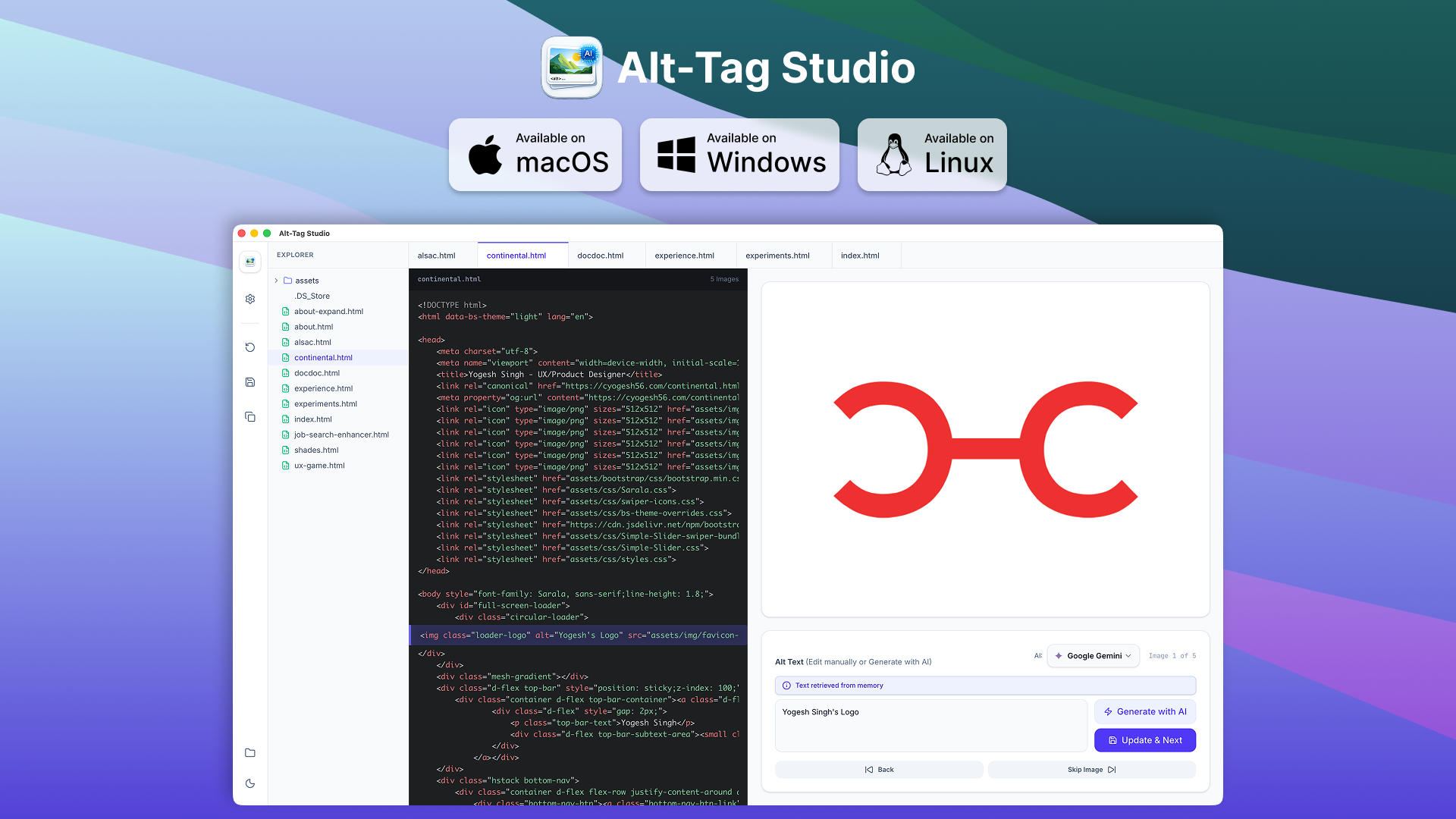
- Manage multiple HTML files through a modern tabbed interface.
- No accounts required.
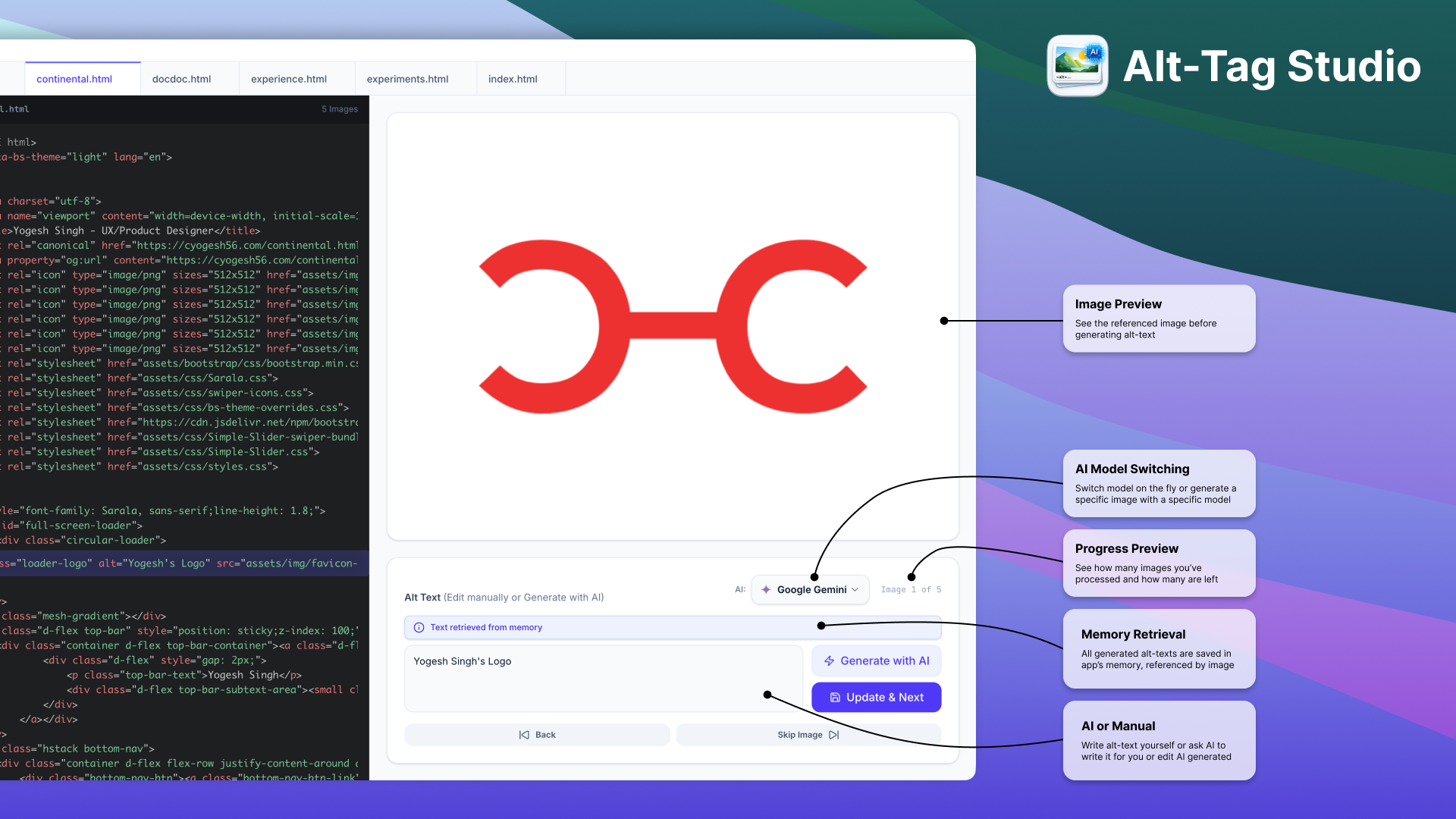
🧠 Multi-AI Powerhouses:
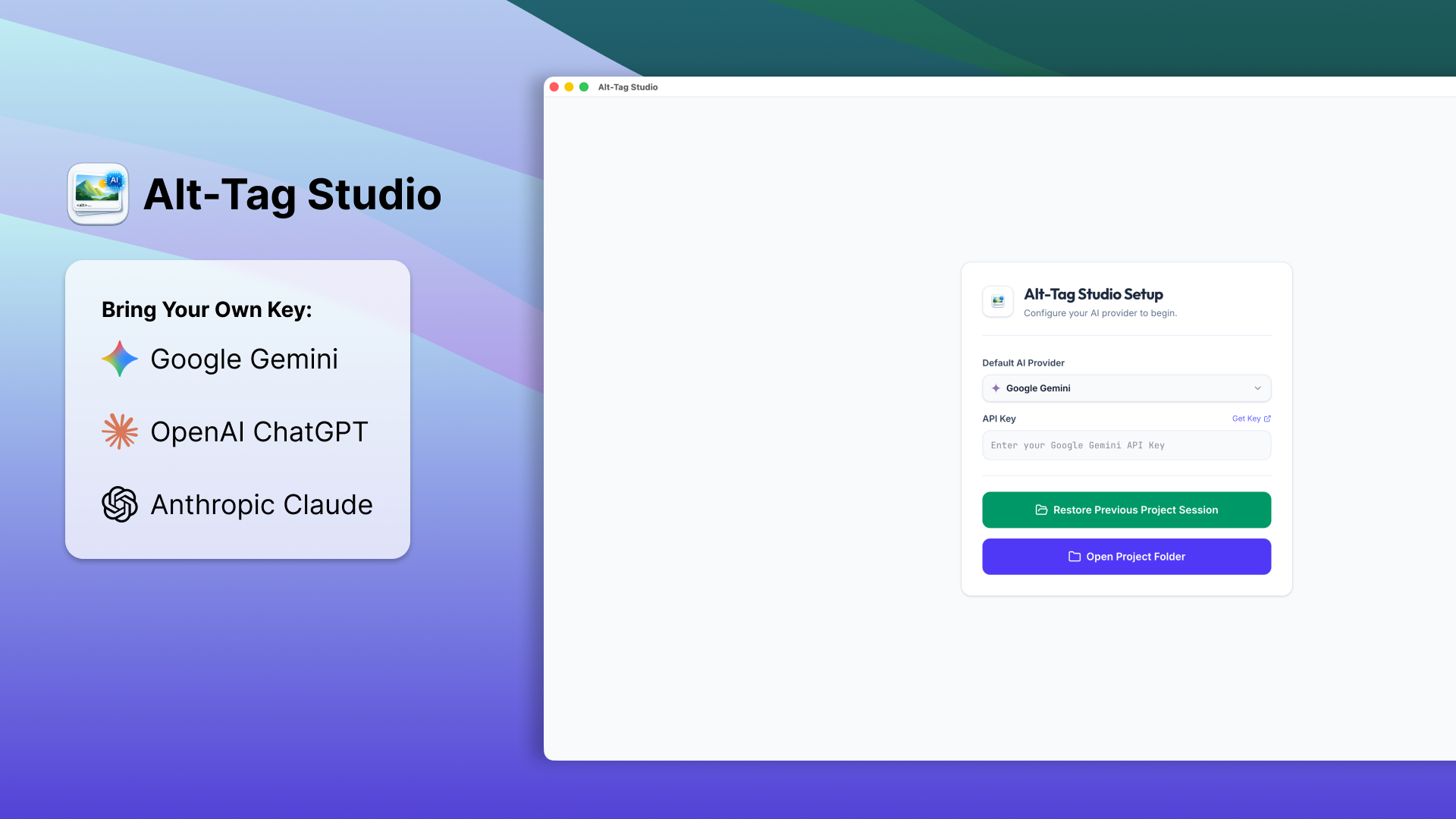
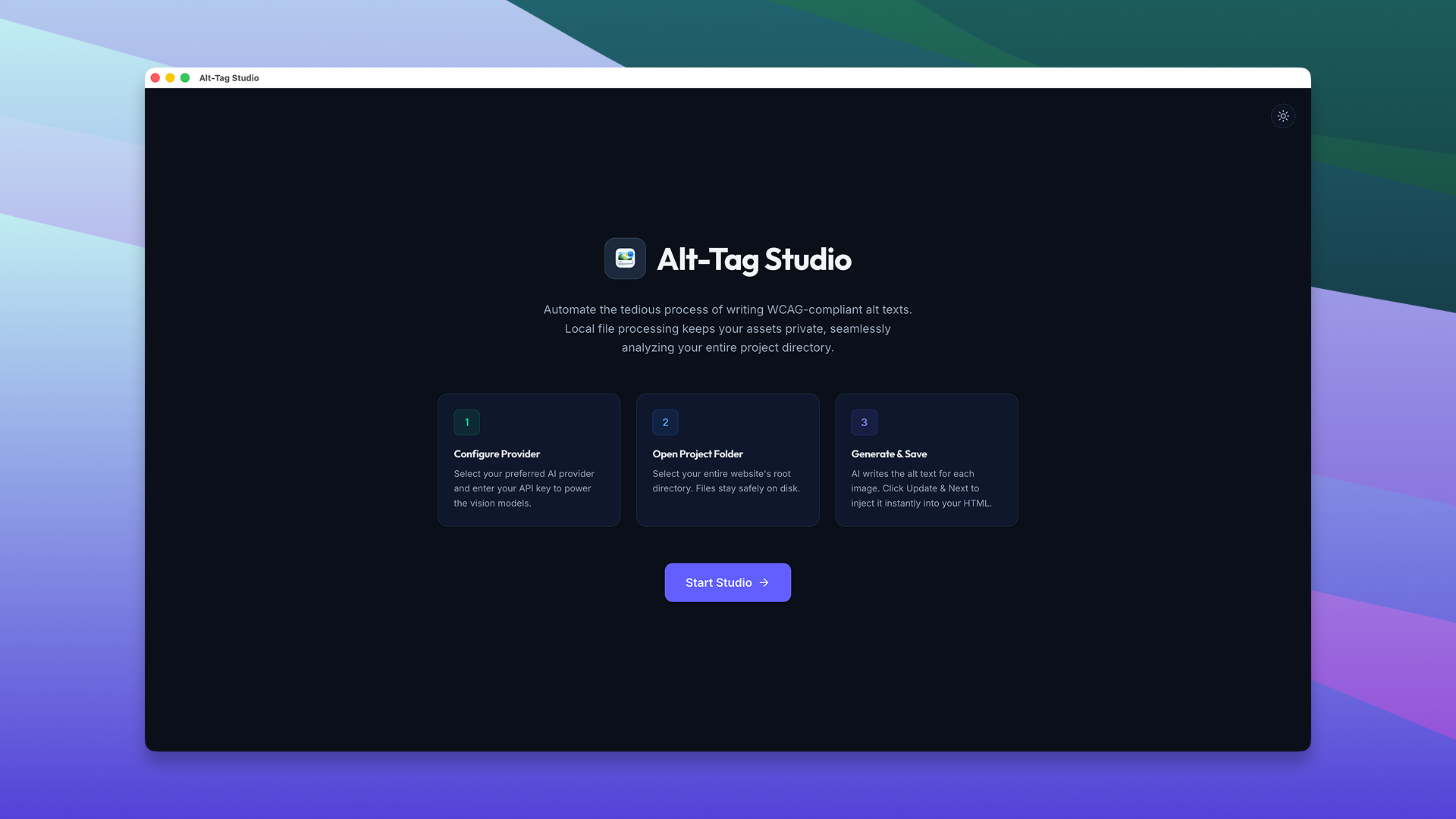
- Connect your own API keys.
- Industry-leading multimodal vision models like Google Gemini, OpenAI ChatGPT, and Anthropic
Claude.
⚡ Smart Auto-Switching:
- If your active AI provider runs out of quota, the app instantly and automatically falls back
to your next saved key.
🧠 Intelligent Alt-Text Memory:
- The app remembers your generated descriptions and maps them to image filenames.
- If you use the same image twice, it automatically pre-fills the text for you.
🔒 Privacy-First Processing:
- Only the specific image you are processing is securely base64-encoded and sent to the AI for
analysis.
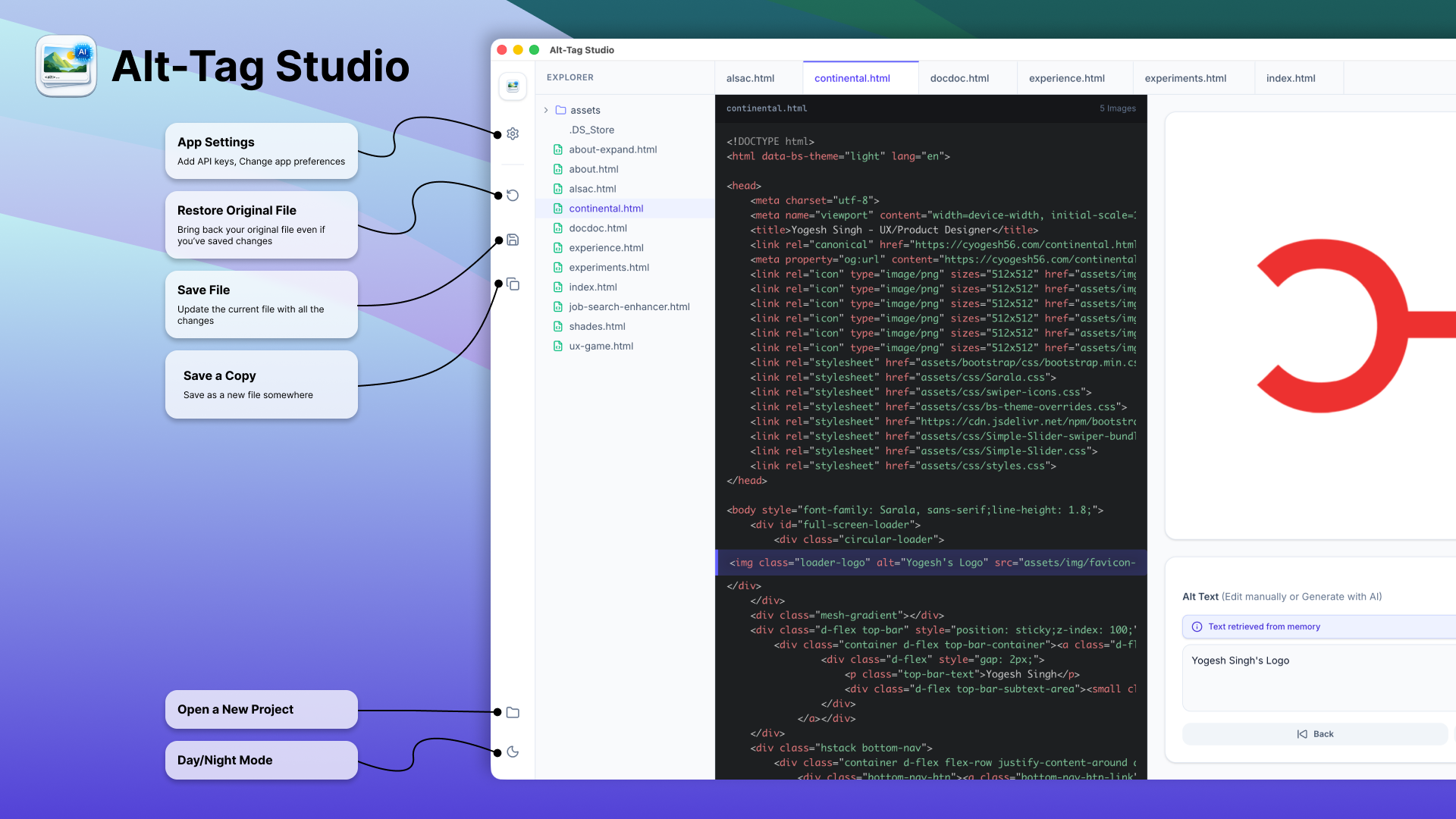
💾 In-Place Seamless Saves:
- Background 5-minute auto-saves.
- Click "Update & Next" to instantly inject the alt-text directly into your local HTML
document.
🎨 Beautiful & Accessible UX:
- Featuring live syntax highlighting with text wrapping.
- dark mode & custom hover tooltips.
- Keyboard Navigation and polite screen-reader announcements.
Supercharge your productivity, guarantee your website's accessibility,
and keep your code secure with Alt-Tag Studio—available seamlessly across macOS, Windows, and
Linux!



.png)